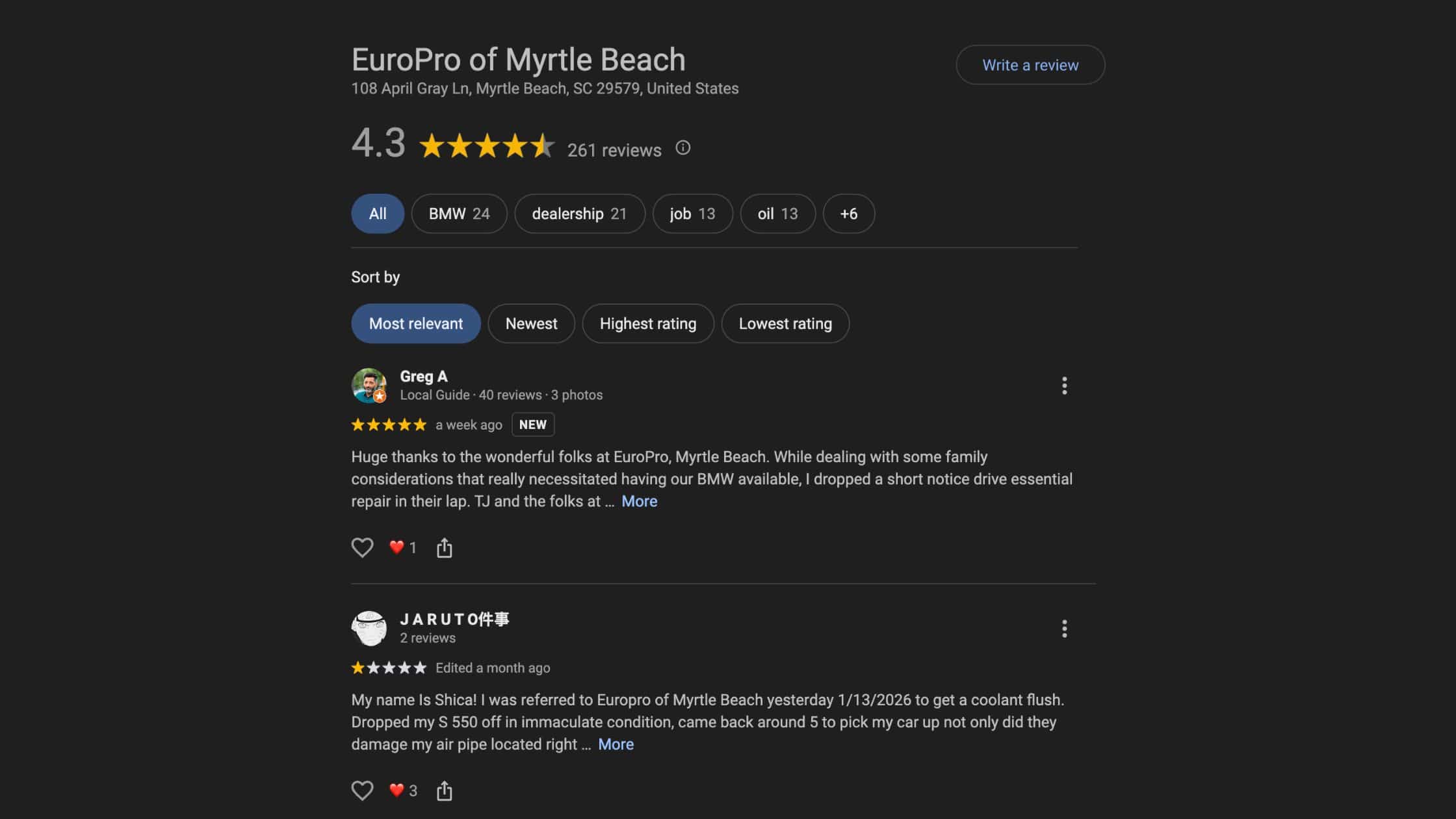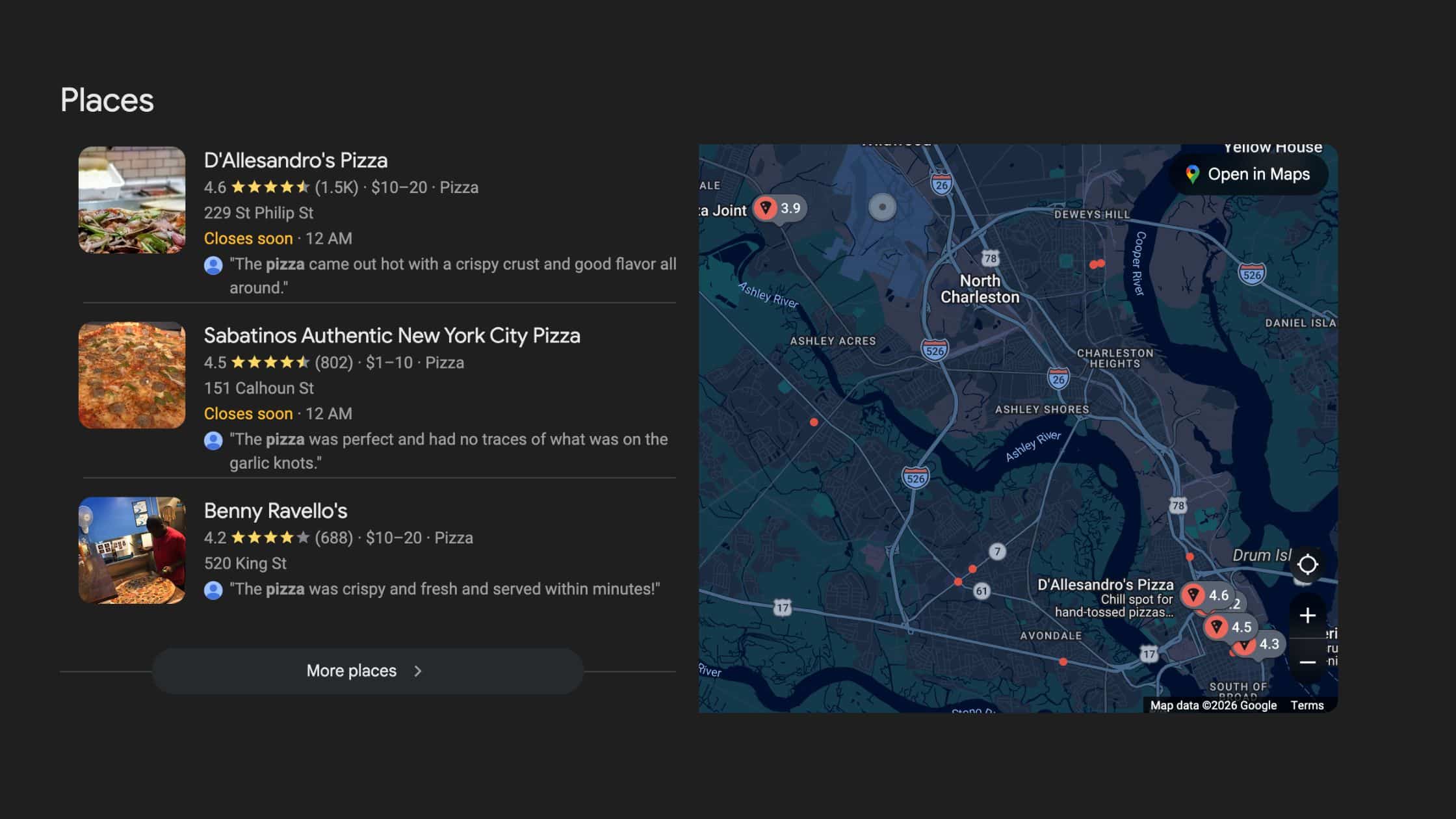
Reviews are one of the most important elements of your Google Business Profile — and one of the most mishandled.
Most small business owners fall into one of three patterns: they ignore Google reviews entirely, they respond inconsistently when they remember to, or they panic when a negative one shows up and either fire off an emotional response or say nothing at all. None of those approaches serve you well.
This post is about building an intentional, repeatable review strategy — one that helps you earn more reviews, respond to every one of them well, and handle the difficult ones without making things worse. When you get this right, your reviews stop being something you react to and start being something that actively works for your business.
If you haven’t set up your Google Business Profile yet, start with our main guide: Your Google Business Profile Is Free Real Estate — Here’s How to Actually Use It. And if you’re working on your overall map pack visibility, see How to Get Your Google Business Profile to Show Up in the Map Pack.
Why Reviews Matter Beyond the Star Rating
Your average star rating matters — of course it does. But Google’s local algorithm looks at considerably more than just the number of stars next to your business name.
Review velocity — how frequently you’re receiving new reviews — signals to Google that your business is active and that customers are consistently engaging with it. A business that received fifty reviews two years ago and hasn’t gotten one since looks very different to the algorithm than a business that gets two or three new reviews every month.
Review recency matters too. Ten reviews from three years ago carry less algorithmic weight than ten reviews from the past ninety days. Google uses this as a freshness signal — an indication that your business is still operating, still serving customers, and still earning their trust.
Total review volume contributes to your prominence score, which is one of the three primary local ranking factors Google uses to determine map pack placement. More reviews from more customers, received consistently over time, adds up to a stronger prominence signal than any single burst of reviews ever will.
The businesses that consistently rank well locally almost always have a steady, ongoing flow of reviews. Not a campaign that ran once. Not a lucky month. A system.
Reviews are not just social proof. They are a local SEO signal. Treat them like one.
How to Ask for Reviews Without Being Awkward About It
The most common reason small businesses don’t have many reviews is the simplest one: they never ask. Happy customers don’t typically think to leave a review on their own — that’s just not how people behave. Dissatisfied customers, on the other hand, are often highly motivated. Which means if you’re not asking, your review profile tends to skew negative relative to your actual customer experience.
The fix is straightforward: ask directly, make it easy, and do it consistently.
- Get your review link first. From your GBP dashboard, find the “Ask for reviews” or “Get more reviews” button. Google generates a short link that takes customers directly to your review form — no searching, no confusion, no friction. Copy that link and keep it accessible.
- Ask at the right moment. The best time to ask is immediately after a positive interaction — a completed project, a great appointment, a satisfied transaction. That’s when goodwill is highest and the memory is fresh. Waiting a week dramatically reduces the conversion rate.
- Keep the ask simple and genuine. “If you were happy with our work, I’d really appreciate a quick Google review — here’s the link.” That’s it. You don’t need a script. You don’t need to be pushy. A direct, honest ask from someone who did good work is almost never unwelcome.
- Use multiple channels. Text message after a job is done. An email follow-up with the link included. A note at the bottom of your invoice. A link in your email signature. Put it where your customers already are.
What you should never do: offer incentives for reviews — Google explicitly prohibits this and it can get your listing penalized. Don’t ask only your best customers while avoiding others — that’s selective solicitation, which violates policy. And never ask employees, friends, or family members to post reviews. The short-term bump isn’t worth the risk to your listing.
The businesses with the most reviews aren’t doing anything magical. They just ask every time, without exception, as a natural part of how they close out a customer interaction.
How to Respond to Positive Reviews
Most business owners skip this step entirely. That’s a missed opportunity on multiple levels.
Responding to positive reviews signals to Google that you actively manage your profile — which is a positive engagement signal. It shows potential customers who are reading those reviews that you’re attentive, grateful, and treat people well. And it demonstrates that there’s a real human being behind the business, not just a listing that exists on autopilot.
The response doesn’t need to be long. It needs to be genuine. Thank them specifically if you can reference the service, project, or interaction. Use their name if it’s in the review. Avoid copying and pasting the same generic response to every positive review — it’s obvious, and it actually undermines the impression of engagement you’re trying to create.
A good response might look something like this: “Really appreciate you taking the time to share this, [Name]. It was great working with you on the website redesign — glad to hear it’s already generating results. Thank you for trusting us with your business.” That’s all it takes. Specific, warm, brief.
One additional benefit: when you respond to positive reviews thoughtfully, you’re also creating content that shows up in your profile — content that potential customers read as part of their evaluation of whether to contact you. Your responses are part of your public face.
How to Respond to Negative Reviews
This is where most businesses either go completely silent or say something they regret. Neither approach serves them.
A negative review handled well can actually increase trust. Most potential customers reading your reviews aren’t expecting a perfect record — they know that’s not realistic. What they’re watching is how you handle problems. A thoughtful, professional response to a critical review often tells them more about your business character than a dozen five-star ratings.
Here’s the framework that works:
- Wait if you need to. If the review made you angry or defensive, don’t respond immediately. Come back when you can write without emotion. A response written in frustration almost always makes things worse.
- Acknowledge without arguing. Even if the review is factually wrong, unfair, or clearly from someone who misunderstood the situation — arguing publicly damages your credibility more than the review itself does. Start by genuinely acknowledging their experience.
- Take the resolution offline. “I’m sorry to hear this wasn’t the experience we aim to provide. I’d really like to understand what happened and make it right — please reach out to us at [phone/email].” This demonstrates accountability and moves the conversation away from a public forum.
- Keep it short. A long, defensive response reads as desperate and unprofessional. Two or three sentences of genuine acknowledgment is almost always more effective than a detailed point-by-point rebuttal.
What you should never do: personally attack the reviewer, post private information about them, accuse them publicly of lying (even if they are), or ignore the review and hope it fades into the background. None of those approaches help you.
Potential customers aren’t just reading the review. They’re reading your response. That’s often the deciding factor.
When a Review Violates Google’s Policies
Not every negative review is a legitimate customer experience. Spam reviews, reviews from competitors, reviews that contain hate speech, personal attacks, or clearly fabricated content — all of these violate Google’s review policies and can be flagged for removal.
To flag a review: open your GBP profile, locate the review in question, click the three-dot menu next to it, and select “Report review.” Provide a clear explanation of the specific policy it violates. Google reviews these reports manually, which means the process can take days or sometimes weeks — and removal is not guaranteed even for reviews that appear to clearly violate policy.
In the meantime, respond professionally. Don’t let a fake or clearly unfair review sit there unaddressed while you wait on Google’s process. A measured, professional response alongside your other genuine reviews tells the full story to anyone reading your profile.
If you’re dealing with a coordinated attack — multiple fake reviews appearing in a short period — document everything and contact Google Business Profile support directly. This situation warrants more aggressive follow-up than the standard flagging process.
Building It Into a System
The businesses with the strongest review profiles aren’t more charming or more persuasive than their competitors. They’re more consistent. They’ve built the ask into their process so it happens automatically — not when someone remembers to do it, but as a standard part of how every customer interaction closes.
Think through your customer journey and identify the natural moment where the ask fits. For a service business, it might be the follow-up text after a completed job. For a retail business, it might be the receipt email. For a professional services firm, it might be the invoice or the closing call. The specific channel matters less than the consistency.
Thirty reviews gathered consistently over six months will outperform a one-time campaign that generated fifty reviews and then went silent. Google weights recency. And the person reading your profile before deciding whether to contact you is also looking at the dates on those reviews — a cluster from two years ago doesn’t carry the same weight as a steady stream of recent ones.
Set a simple monthly goal. Track it. If you’re asking every customer and not hitting it, examine where the friction is — maybe the link isn’t easy enough to share, or maybe the timing of your ask is off. Adjust and keep going.
If managing your GBP review strategy — along with the rest of your profile maintenance — is more than you have bandwidth for right now, that’s a reasonable position. It’s one of the things we handle for clients through our Google Business Profile management service. Reach out at (803) 386-0380 or run a free SEO audit to see where your overall local presence stands.
Frequently Asked Questions
Should I respond to every Google review?
Yes — every single one, positive and negative. Responding to positive reviews shows appreciation and engagement. Responding to negative reviews demonstrates accountability and professionalism. Both are visible to potential customers reading your profile, and both influence the impression your business makes.
What is the best way to respond to a negative Google review?
Acknowledge the experience without arguing, keep your response brief, and take the conversation offline. Something like: “I’m sorry this wasn’t the experience we aim to provide. Please reach out at [contact info] so we can make it right.” Short, genuine, and constructive is almost always more effective than a detailed rebuttal.
Can I ask customers to leave Google reviews?
Yes — Google encourages businesses to ask. What you cannot do is offer incentives for reviews, ask only selected customers, or post reviews yourself. Ask everyone consistently, make it easy with your direct review link, and let the honest feedback accumulate over time.
How do I get my Google review link?
Log into your Google Business Profile dashboard, look for the “Ask for reviews” or “Get more reviews” button, and Google will provide a short shareable link that takes customers directly to your review form. Copy it and use it everywhere — texts, emails, invoices, your email signature.
Can I get a fake or unfair Google review removed?
You can flag reviews that violate Google’s policies — spam, fake content, hate speech, or conflicts of interest. Flag it from your GBP dashboard using the three-dot menu next to the review and submit a detailed report. Google reviews the request, though removal isn’t guaranteed and can take time. Respond professionally in the meantime.