

Most small businesses don’t have a marketing problem. They have a planning problem. A post here, an ad there, a sponsorship because someone asked. Without a plan, it’s hard to know what’s working, and easy to spend money on things that don’t.
A marketing plan doesn’t have to be a 40-page document. For most small businesses, a few pages that answer five questions will do: what you want, who you’re trying to reach, where you’ll reach them, what you’ll say and how you’ll know it’s working.
1. Set clear goals
Start with what you actually want to happen. Use SMART goals: specific, measurable, achievable, relevant and time-bound.
- Vague: “I want more customers.”
- SMART: “I want 15 new quote requests a month from my website by the end of June.”
Tie each marketing goal to a business goal. If you want to grow into a new town, the marketing goal might be getting found in Google searches for that town. If you want more repeat customers, it might be building an email list.
2. Know your audience
You can’t market to everyone. Get specific about who your best customers are:
- Who they are: age range, location, homeowner or renter, business or consumer.
- What they care about: price, speed, quality, trust, convenience.
- How they shop: do they search Google, ask friends, read reviews, check Facebook?
The easiest research is talking to your current customers. Ask how they found you, why they chose you and what almost stopped them.

3. Look at your competition
Search for your service in your town and see who shows up. Look at their websites, Google Business Profiles and reviews. What do they do well? Where do they fall short? The gaps are your opportunity, whether that’s better reviews, a clearer website or a service nobody else is talking about.
4. Choose your channels
Pick the few places where your audience already looks, and do those well. For most local businesses, the foundation is:
- Your website. Everything else points here. (What a website is supposed to do.)
- Google Business Profile. Often the first thing people see when they search for you. (How to use it.)
- Local SEO. Showing up when people search for what you do in your area. (Local SEO guide.)
- Reviews. A steady flow of recent, detailed reviews.
- One or two social platforms where your customers actually spend time.
- Email to stay in touch with past customers.
Traditional channels like print, radio, events and sponsorships still work, especially in smaller towns. The key is choosing the mix that fits your audience and budget, then tracking it.
5. Plan your content
Content is anything you publish: website pages, blog posts, social posts, videos, emails. Good content helps your customer solve a problem or make a decision. That builds trust long before they call.
Short-form or long-form?
You need both, for different jobs. There’s no magic word count. Use the length the topic needs.
- Short-form (social posts, short videos, quick updates, Google Business Profile posts) is fast to make and easy to consume. It’s great for staying visible, sharing news and pointing people somewhere. The downside is it fades quickly and can’t cover a topic in depth.
- Long-form (detailed blog posts, guides, service pages) takes more time to create but keeps working for months or years. It answers questions fully, helps you show up in Google and AI search for more searches, and builds you up as the expert in your field. The downside is the time it takes, and it has to be well organized to read well on a phone.
A simple approach: write one solid long-form piece a month that answers a real customer question, then turn it into several short posts that point back to it.
6. Set a budget and a calendar
Decide what you’ll spend in money and in time. Time matters just as much for a small business. Then put it on a calendar: what gets posted, sent or published each week, and who’s doing it. A plan nobody has time to carry out isn’t a plan.
7. Track it and adjust
Pick a few numbers that connect to your goals and check them monthly:
- Calls, form submissions and quote requests.
- Website visitors and where they came from (Google Analytics).
- Searches you show up for (Google Search Console).
- Calls, direction requests and website clicks from your Google Business Profile.
- New reviews.
- How new customers say they found you.
Keep what’s working, drop what isn’t, and revisit the whole plan at least once a year.
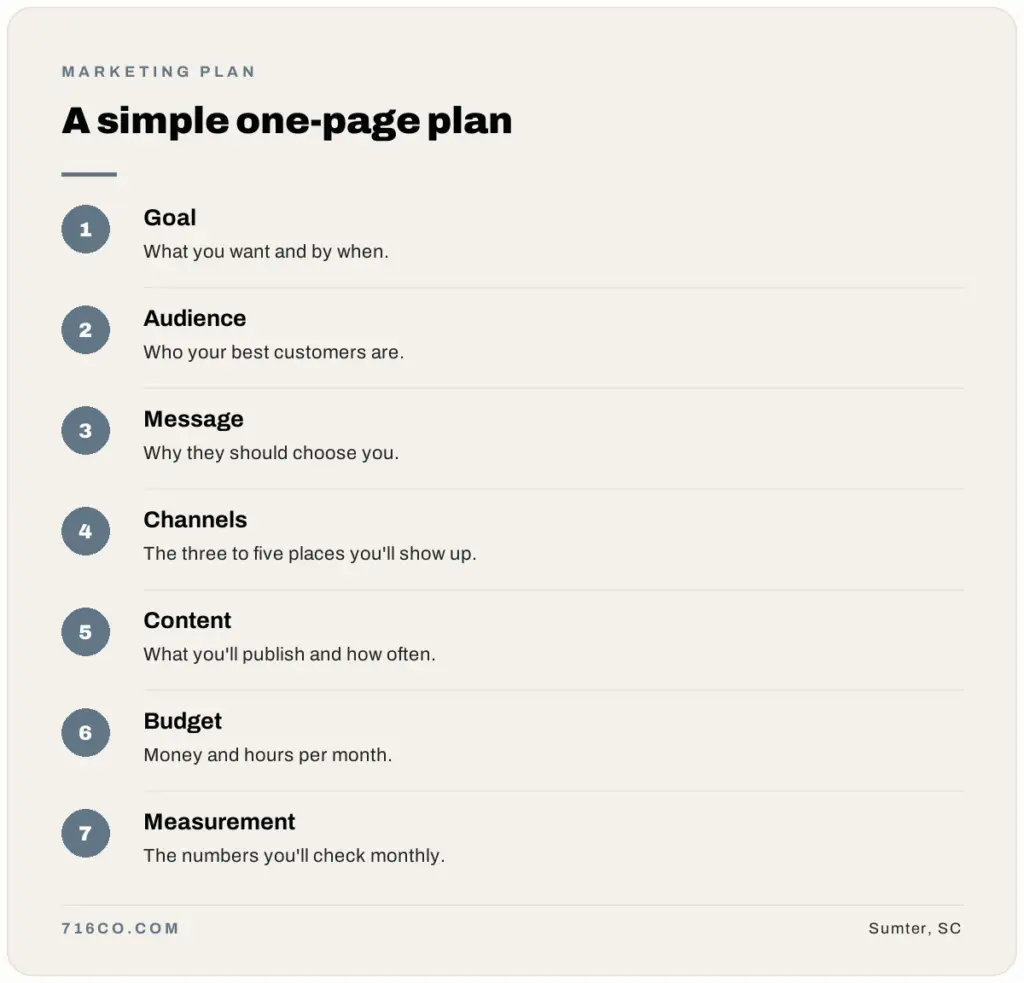
A simple one-page marketing plan
- Goal: what you want and by when.
- Audience: who your best customers are.
- Message: why they should choose you.
- Channels: the three to five places you’ll show up.
- Content: what you’ll publish and how often.
- Budget: money and hours per month.
- Measurement: the numbers you’ll check monthly.
Small business marketing plan: frequently asked questions
How much should a small business spend on marketing?
u003cpu003eIt depends on your industry, goals and how fast you want to grow. Start with what you can sustain, track the results and put more into what brings in customers.u003c/pu003e
How long should a marketing plan be?
u003cpu003eFor most small businesses, one to five pages. The point is clarity, not length.u003c/pu003e
How often should I update my marketing plan?
u003cpu003eCheck your numbers monthly and review the whole plan at least once a year, or whenever something big changes in your business.u003c/pu003e
Want help building the foundation? We build websites and handle local SEO for small businesses across South Carolina. Request a free audit and we’ll show you where to start.